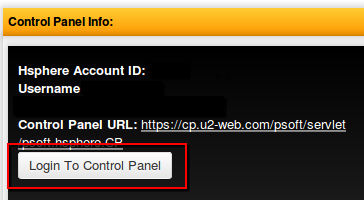
To view your control panel and service info, please do the following:
- Login to the client area via https://u2-web.com/clientarea/ or via the "Account" menu -> Account Login link on our site
- Go to Services menu -> My Services
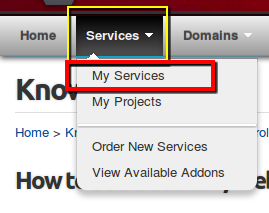
- If you have multiple services with us, you will see them listed under this page
- Click "View Details" for the service that you wish to view the information for
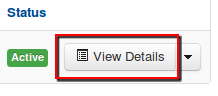
- Under the details page will be:
- Control panel information, logins, and a login button to login to the control panel (if any)
- Controls for the service -- if any
- General service information such as start date, next renewal, recurring payment amounts, billing cycles, etc
- Change the password for the service
- Download any related materials such as user guides
To view your domains with us, please go to:
- Login to the client area via https://u2-web.com/clientarea/ or via the "Account" menu -> Account Login link on our site
- Go to Domains -> My Domains
- If you have multiple domains registered with us, they will be shown in a list on this page
- To view information or manage the domain, click on "Manage domain"
- The manage domain section will allow you to:
- Set auto renew options
- Set nameserver options
- Set SRV records
- Set Whois information
- Register your own nameservers for the domain -- not recommend / supported with our shared hosting.